

EU (current)

Why itslearning in Higher Education?


It really is easier

On those campuses where both staff and students use a learning platform on a daily basis, outcomes improve. On itslearning campuses, lecturers really use the system because:

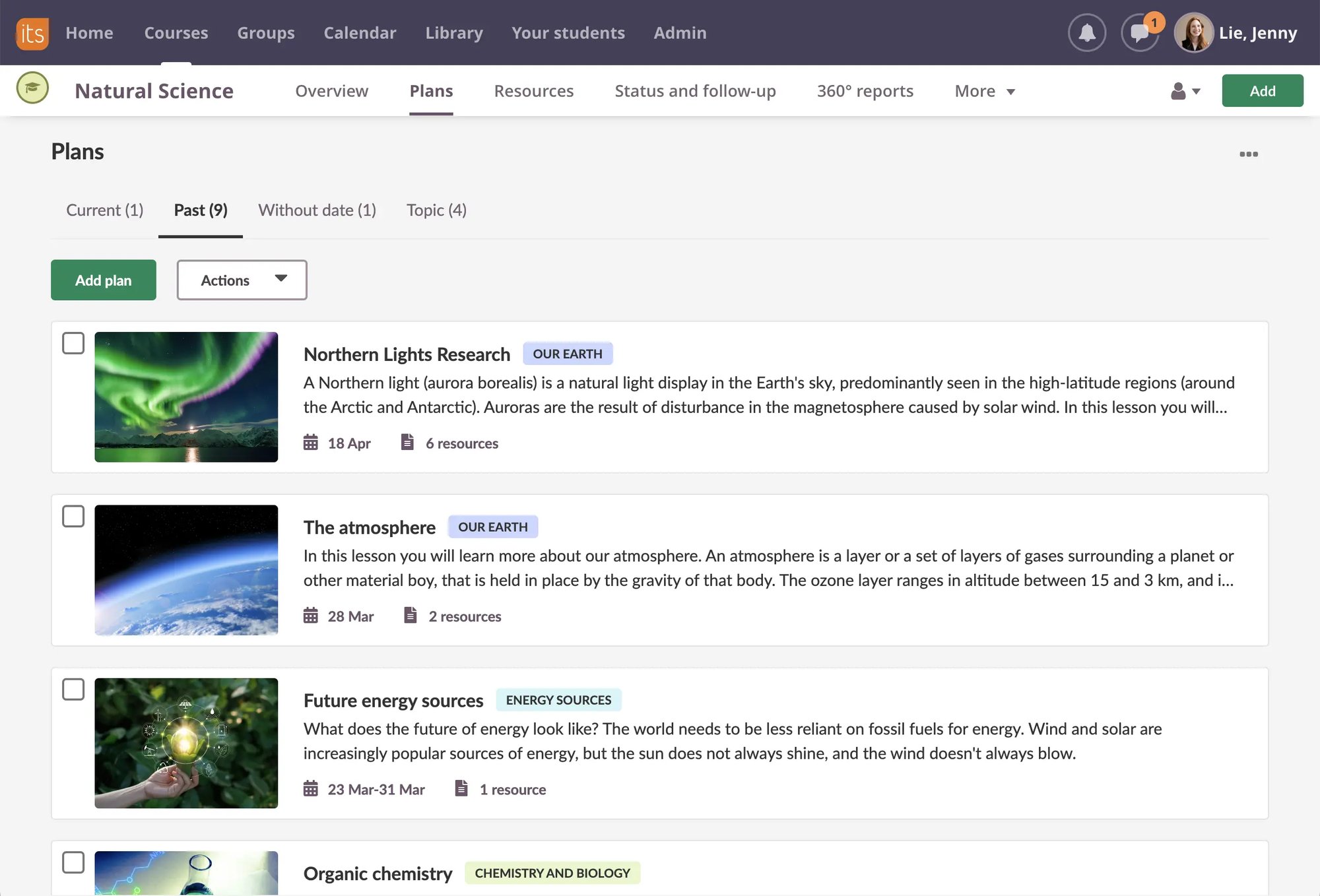
  • It really is easier. Professors who have used other learning platforms tell us that it takes 1/3 to 1/10 of the time to create a course in itslearning compared to other platforms.
  • The full integration of email, calendar and administrative communications turns itslearning into everybody’s home on campus
  • Mobile device support helps students track their progress and assignments while they are off campus, and away from a computer
  • Lecturers can provide students with materials developed by themselves, colleagues, or the itslearning community.
  • Enable automatic plagiarism detection simply by checking a box when creating an assignment.
  • Students can create own project spaces where they invite each other to collaborate, share and work together.
  • Differentiate teaching by forming groups or allowing students themselves to form groups.

Add the tools you need


  • Engaging students with online widgets?
  • Juggling web 2.0 tools with no interconnection?

Through our open API, add the tools you need for your course delivery. With minor development – provided by yourself, or for you by our technical consultants or external developers – new or existing tools can be seamlessly integrated in itslearning.

itslearning invites 3rd party vendors to provide plug-ins that will be available for teachers and students in the rich text editor. New plug-ins will be added continuously as they are integrated with itslearning.

Engage your students

Students regularly watch video to learn new material, participate in online social groups to share information, upload their work to community sites like Flickr and MySpace for comment, and answer other people’s questions within their areas of expertise on Adrvark.

itslearning makes such vehicles available for education.

  • Create multimedia content in two clicks with integrated audio and video tools.
  • Insert a YouTube video or an RSS feed into a lesson with integrated Web 2.0 tools.
  • Assign licensed material from publishers with digital content management integration.
  • Allow multimedia discussions using text, images, audio and video